A private podcast utility for Mac
Your files. In Apple Podcasts.
Turn audio and video on your Mac into a private podcast feed. No uploads. No account.
US$9.99 once. No subscription.
U.S. price. Local App Store pricing may vary.
From a folder to a feed.
Three steps from files on your Mac to a private feed in Apple Podcasts.
-
1
Create your show
Choose a title, add artwork, and fill in the details for your private show.
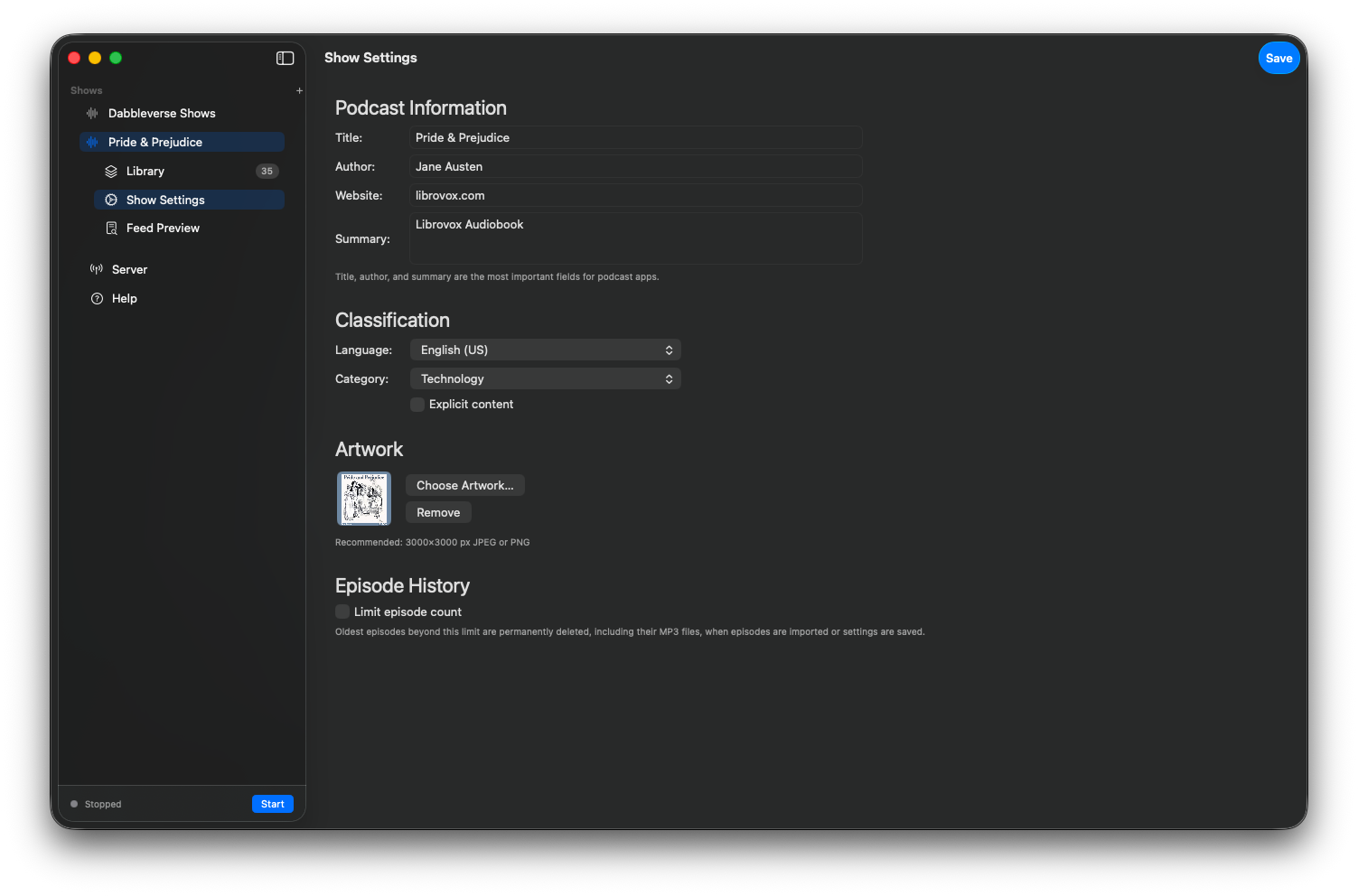
Create your private show -
2
Add your media
Import MP3, M4A, MP4, M4V, or MOV files and organize each one as an episode.
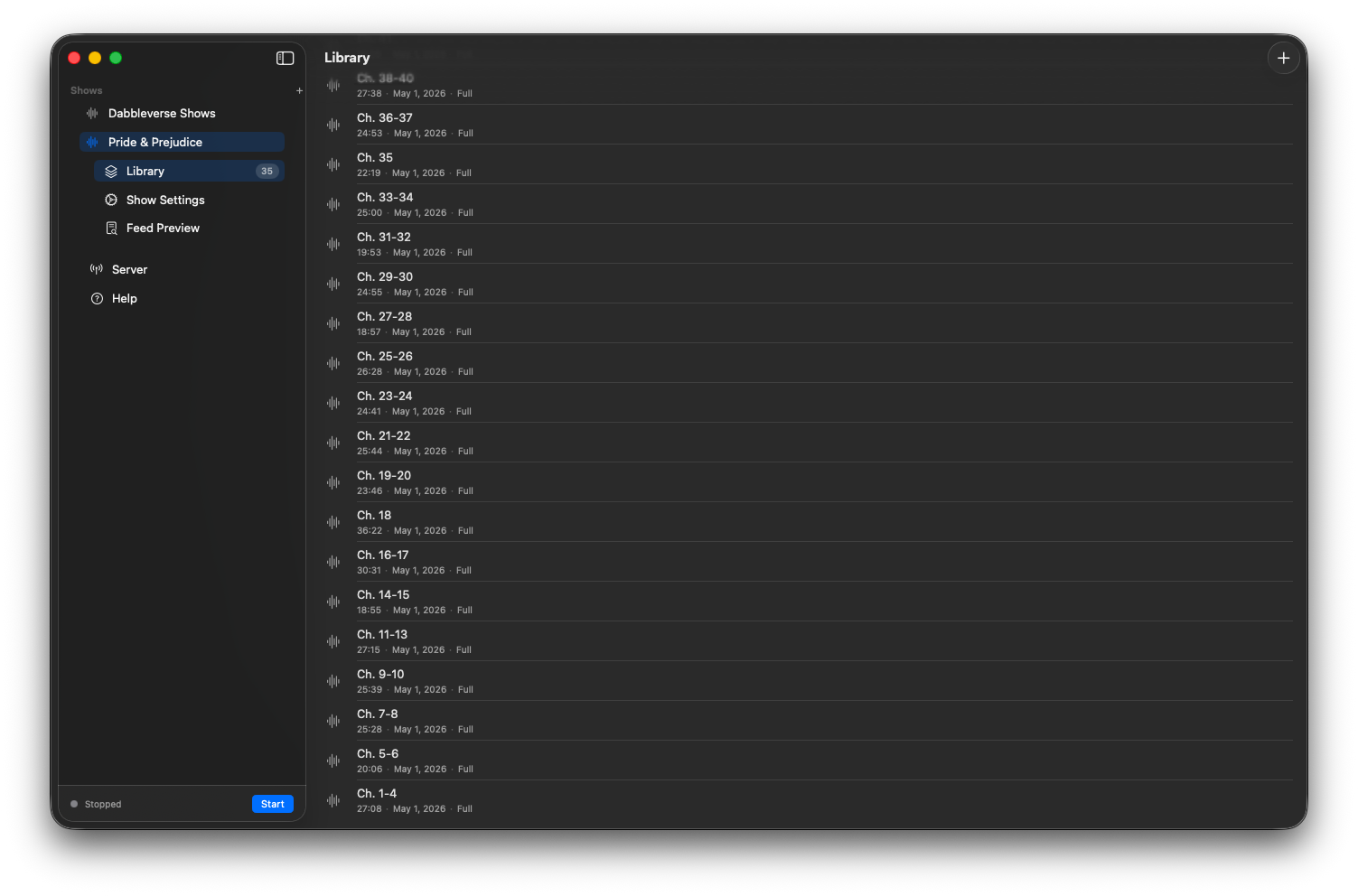
Import your files -
3
Follow in Apple Podcasts
Start the local server, copy the feed URL, and add it with “Follow a Show by URL.”
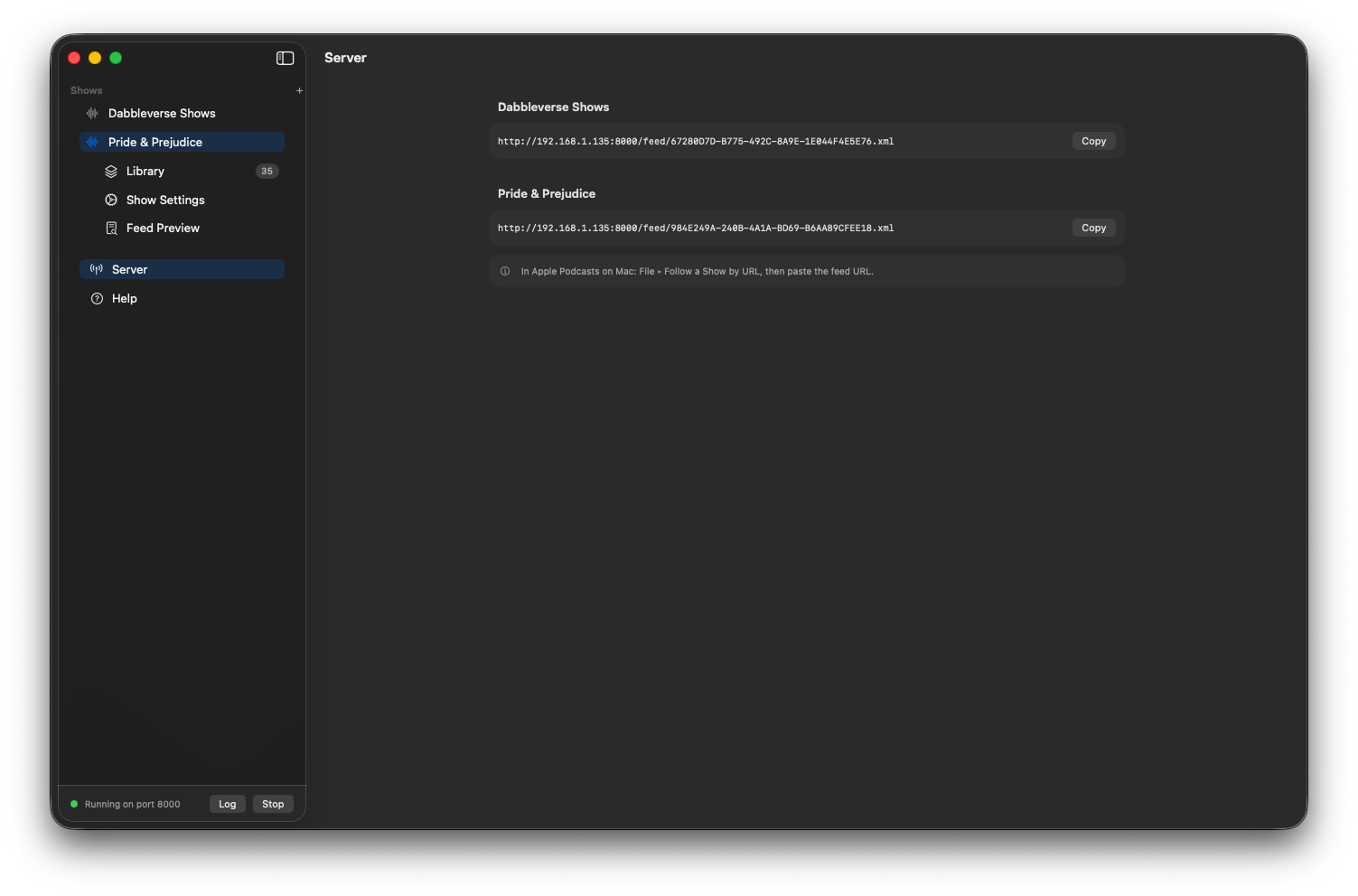
Copy this URL, then choose “Follow a Show by URL” in Apple Podcasts
A feed that stays close to home.
Sidecaster serves a local feed instead of uploading your media to a cloud service.
- Works with
- Apple Podcasts and Downcast
- Not compatible with
- Overcast and Pocket Casts, which fetch feeds through cloud proxy servers
The details are yours
A library with your name on it.
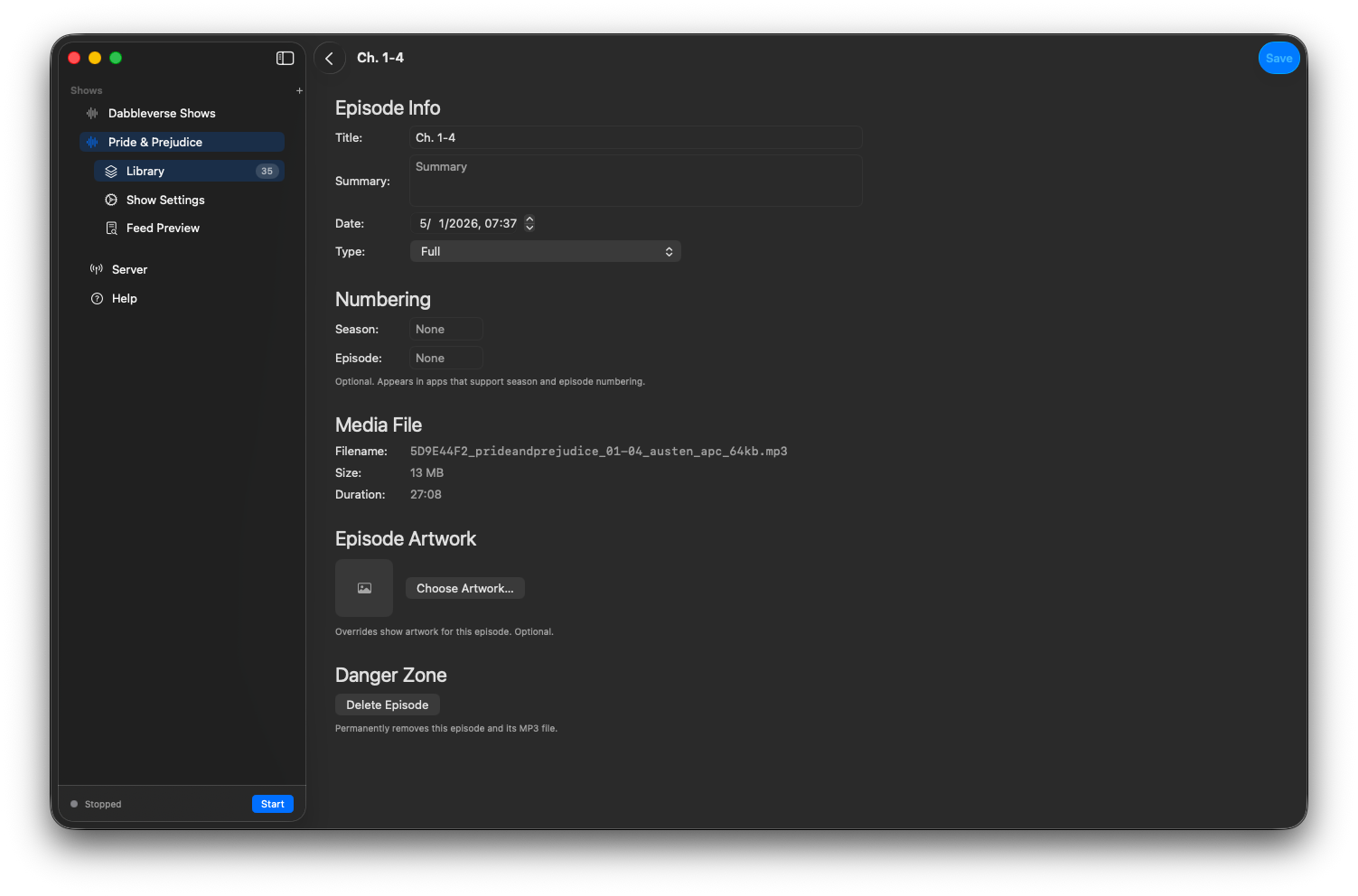
Audiobook chapters become episodes. You choose the titles, the artwork, and what comes next.
- Bring your files
- Import MP3, M4A, MP4, M4V, and MOV.
- Make it your show
- Set the show title, author, description, category, and artwork.
- Put episodes in order
- Edit titles, summaries, season and episode numbers, and episode artwork.
- Skip to the part you need
- Seek within an episode in your podcast player while Sidecaster streams from your Mac.
- Keep it local
- No account, no uploads, no analytics. Enable Local Network mode to listen on devices on your Wi-Fi.
Questions before you try it
Is my media uploaded somewhere?
No. Sidecaster serves files from your Mac. Nothing leaves your computer unless you choose Local Network mode on your own Wi-Fi.
Does it work with Overcast or Pocket Casts?
No. Those apps proxy feed requests through their own servers, so a Mac-local feed cannot work. Apple Podcasts and Downcast work because they fetch the URL directly.
Can I listen on iPhone?
Yes. Enable Local Network mode, start Sidecaster on your Mac, and follow the feed in Apple Podcasts on an iPhone or iPad on the same Wi-Fi.
Do I need Sidecaster running?
While streaming or refreshing the feed, Sidecaster needs to be running. After an episode is cached by the podcast app, offline playback can work from that cache.
How much does it cost?
After the free 7-day trial, Sidecaster is a US$9.99 one-time purchase. No subscription is required.
U.S. price. Local App Store pricing may vary.
Which file formats are supported?
MP3, M4A, MP4, M4V, and MOV.
Give your files a place to play.
Try Sidecaster free for 7 days, then unlock it with a US$9.99 one-time purchase. No subscription required.
U.S. price. Local App Store pricing may vary.
Try free for 7 days